Appearance
Share a model by link
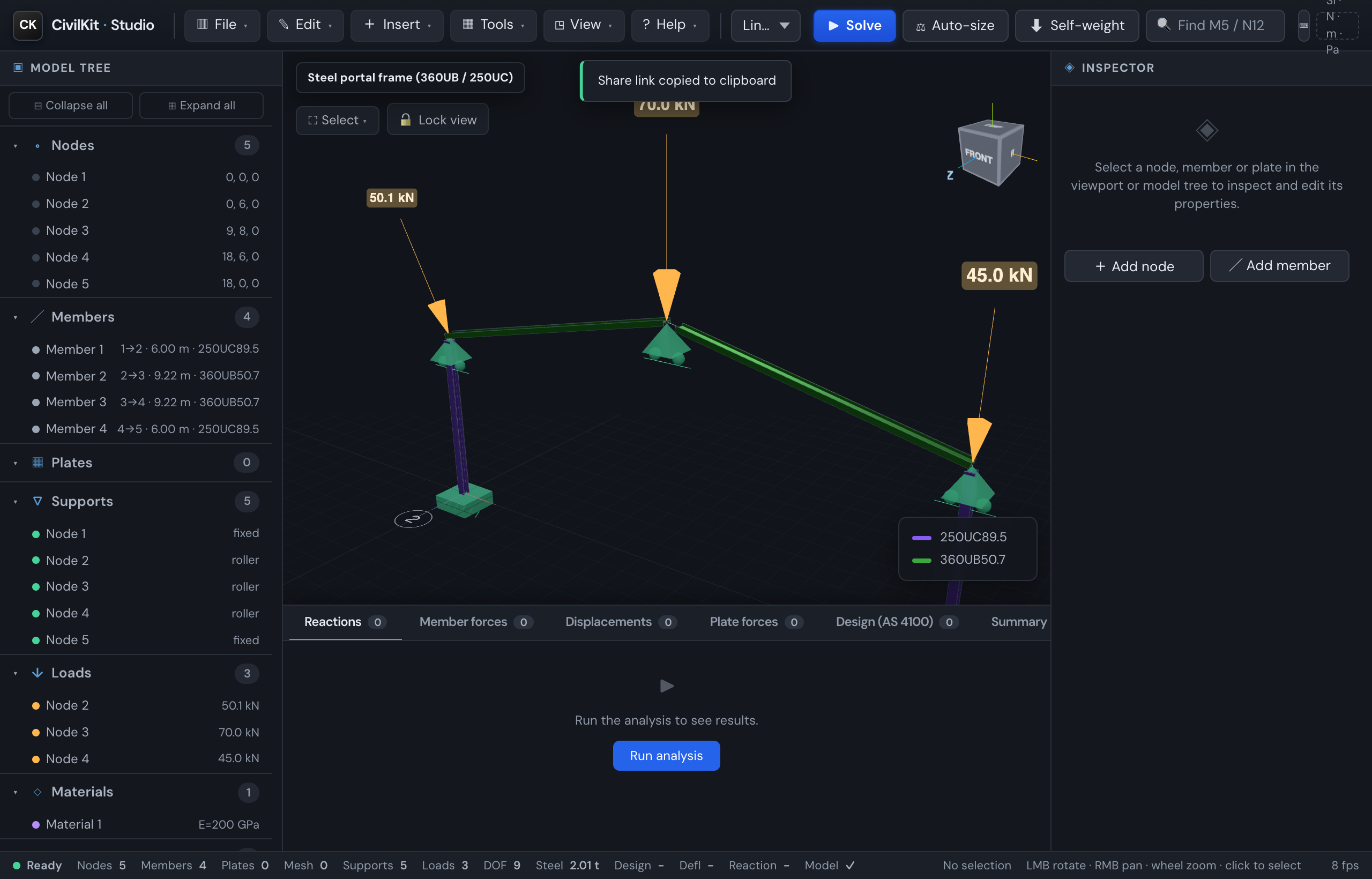
CivilKit Studio can turn your whole model into a link. Send it to a colleague and they open the exact model in their browser - no account, no upload, no file to attach.
How
File → Copy share link. The link is copied to your clipboard. Paste it into a message, email or ticket. Anyone who opens it sees your model - nodes, members, supports, loads and the assigned catalogue sections - ready to solve.
How it works (and why it's private)
The entire model is compressed (gzip) and packed into the link itself, after the #:
https://…/studio/index.html#m=gH4sIAAAA…Everything after # is a URL fragment - browsers never send it to a server. So the model travels only inside the link you share; nothing is uploaded to CivilKit or anyone else. The link works offline and on any static host.
Limits
- Very large models make very long links. Above ~32,000 characters Studio tells you to use Export JSON instead and send the file.
- A link captures the model, not the solved results - the recipient clicks Solve to reproduce them (identical inputs give identical results).
Cloud versions (commit history)
For keeping a history of a model rather than a single snapshot, File ▸ Cloud versions (or Cmd/Ctrl+Shift+S) opens a commit-first panel: type a short message and commit the current model to your cloud version store. The panel shows the history, lets you open any past commit straight back into the 3D view, and supports branching a version to explore a variant.
How to use it:
- File ▸ Cloud versions (or Cmd/Ctrl+Shift+S).
- First time only, connect it to your version store (a small settings link in the panel takes a base URL + token) - until then the panel explains it is not connected.
- Type a commit message and Commit. Repeat as the model evolves.
- Click a commit in the history to load that version, or branch from it.
Pre-release
Cloud versions is part of the collaborative-platform work and is still maturing. For a guaranteed, dependency-free record, Export JSON (it is the loss-free format) and keep the files yourself. Cloud versions is the convenience layer on top.