Appearance
Dynamic analysis & influence lines
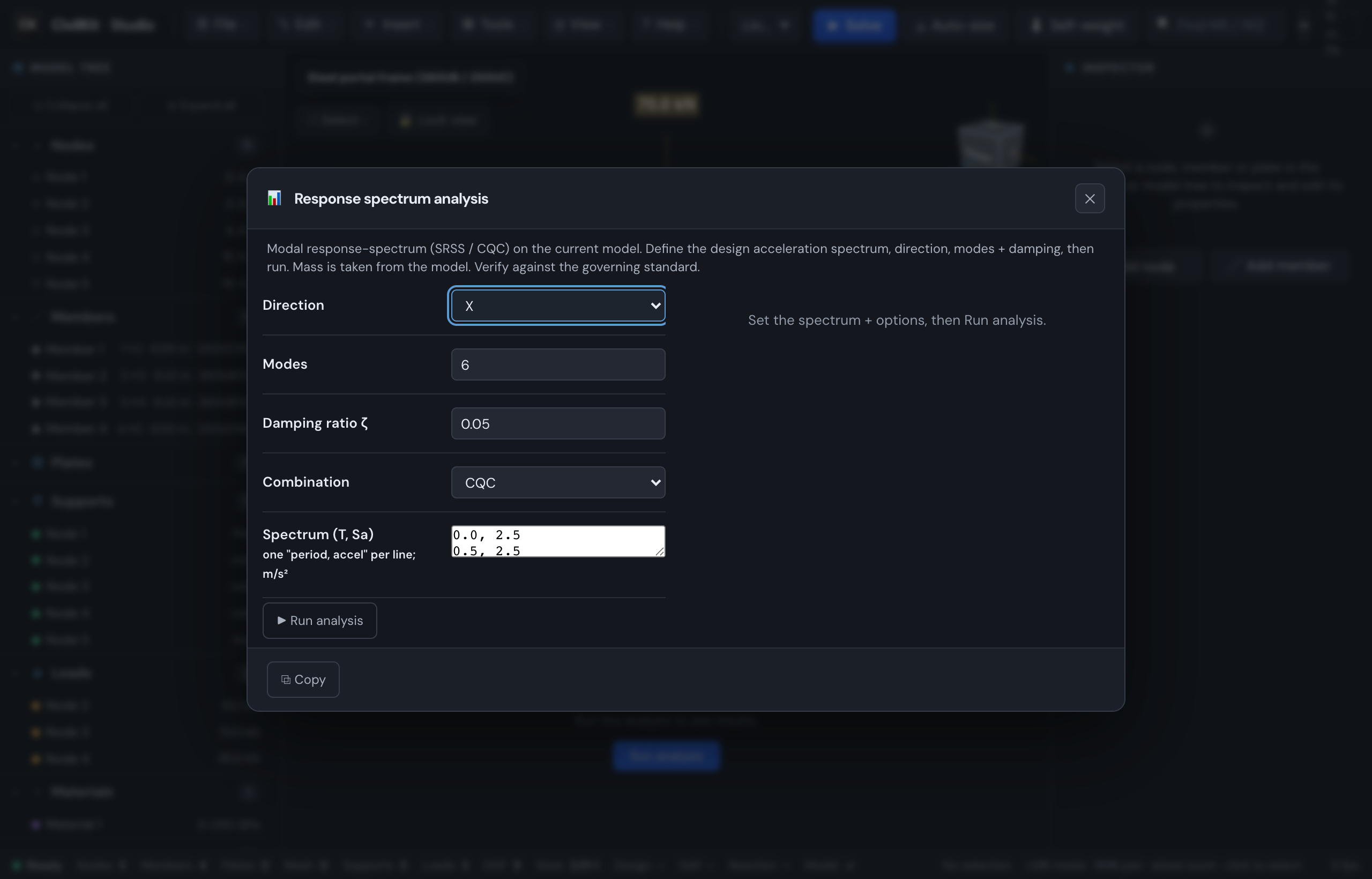
Beyond static, P-Delta, buckling and modal, Studio has three focused analysis tools in the File menu (also reachable from the Ctrl/Cmd+K command palette). Each opens a self-contained dialog and runs the WebAssembly solver locally.
Response spectrum
File ▸ Response spectrum runs a modal response-spectrum analysis (SRSS or CQC) on the current model. Mass is taken from the model.
- Set the direction (X / Y / Z), number of modes, damping ratio, and the combination method (CQC or SRSS).
- Edit the design acceleration spectrum as
period, accelpoints (one per line, in m/s²) - replace the default with your code spectrum. - Run analysis.
Results show the combined base shear, total mass, the effective-mass capture (aim for ≥ 90% - add modes if it is low), the peak nodal translation, and a per-mode table (period, spectral acceleration, participation factor Γ, effective mass, base shear). Copy the summary with the ⧉ Copy button.
Time history
File ▸ Time history runs a modal time-history analysis (Newmark-β, average acceleration - unconditionally stable) from a ground-acceleration record.
- Choose the direction, modes, and damping ratio.
- Paste a record as
time, accelpoints (seconds, m/s²) - or click Load sample pulse to try it with a built-in damped sine. - Run analysis.
You get the peak base shear (per axis and governing), the peak nodal translation, and the integration summary (steps · Δt · modes). Paste a real accelerogram for a project run; the sample is just to see the tool work.
Influence lines & moving loads
Tools ▸ Influence line (single span, no model) builds a single-span analytical influence line - the tool bridge, crane and moving-load problems are built on.
- Enter the span, support (simply supported, cantilever, fixed-fixed, fixed-pinned), the action (moment, shear, reaction) and the station along the span (or which support, for a reaction).
- The influence line is plotted live, with the peak ordinate marked.
- Optionally add an axle train: axle weights (kN) and spacings (m). The dialog reports the maximum and minimum effect of the moving load and the critical axle positions.
Worked sanity checks: a simply-supported mid-span moment influence line peaks at L/4; a single point load on that span gives a maximum moment of PL/4.
TIP
These are quick design tools - verify against the governing standard before professional use, the same as every other check in Studio.